
Make your videos truly accessible and WCAG-compliant
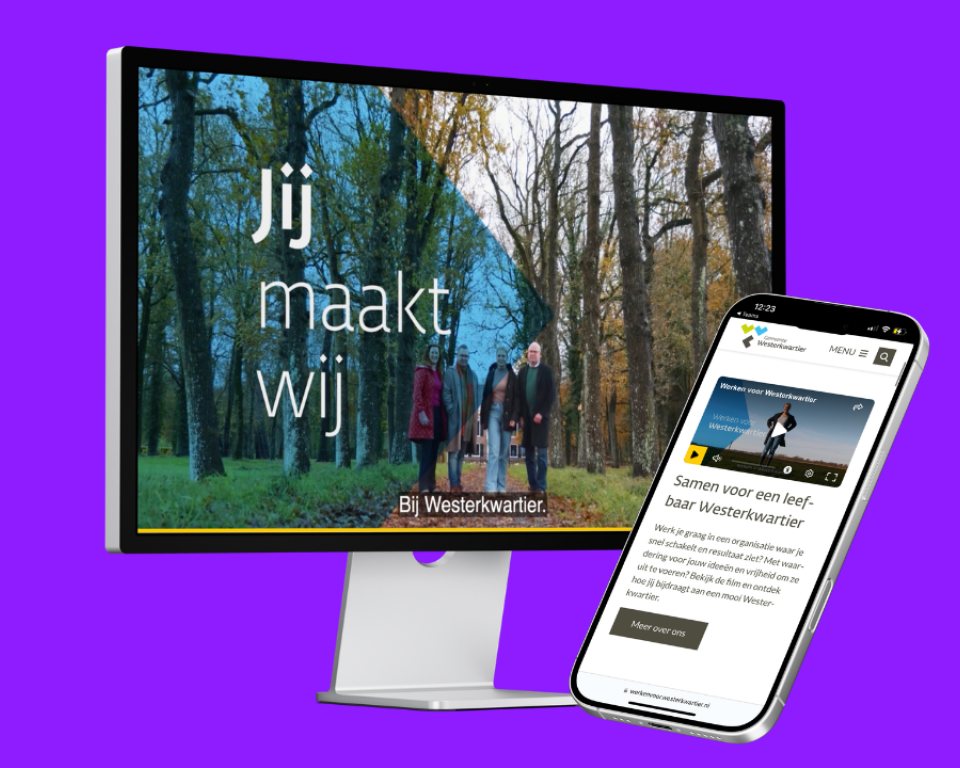
Watch the video for practical tips
Video is a powerful tool in digital services. But without the right approach, you may inadvertently exclude part of your target audience.
Watch the video below, in which Katja shares tips on how to make your videos accessible.
Download the guide: WCAG-compliant video for municipalities
Do you want to effectively manage video within your organization without relying on platforms that don't meet your needs?
In this guide, you'll discover:
- Why popular platforms like YouTube often fall short when it comes to public service;
- How to make your videos WCAG 2.1 AA-compliant;
- How to maintain control over accessibility, privacy, and data;
- How to seamlessly integrate video into your own CMS;
- Why the video from our partner Blue Billywig does comply with the established guidelines.
Webinar: Accessible Videos
How can you make videos accessible in accordance with the WCAG while keeping them manageable within your organization?
In the webinar on May 21, we’ll show you how to approach this in a practical way: from organizing your video strategy to implementing it in your CMS and workflow. You’ll gain concrete insights and see how to set this up in practice using Blue Billywig.
👉 Sign up and learn how to create accessible videos.
Are you already using Scribit.Pro?
Blue Billywig and Scribit.Pro work closely together. Their solutions complement each other: Blue Billywig handles the video player and distribution, while Scribit.Pro focuses on accessibility features such as captions and audio description.
This means you don’t have to choose between the two solutions; instead, you can use them together to create a comprehensive and accessible video experience.