
Want to improve a government website? Start by focusing on tasks
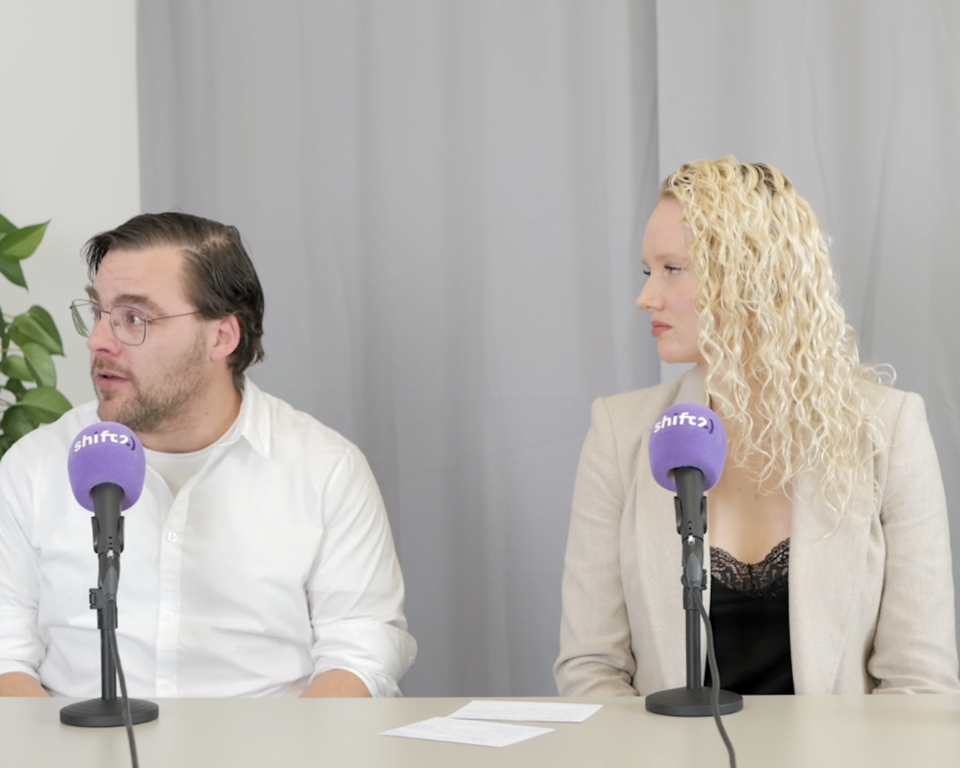
Over the years, many government websites have become increasingly focused on providing information. This often comes at the expense of user-friendliness. Residents get lost, call the KCC, or simply give up. In this blog, you’ll learn why this happens and what your web team can do about it. This blog is based on a podcast featuring consultants Nick and Sharina, in which they share their experiences and tips on improving government websites.
What is a task-oriented government website?
At its core, a user-friendly government website is all about one thing: enabling residents to do what they need to do as quickly and easily as possible. Applying for a passport, reporting a change of address, submitting a permit application—these are the top tasks, and they should be the main focus of your website, ideally making up about 65% of the content.
Informational pages, such as policy documents on sustainability or poverty reduction, also have their place. But they are of interest to only a small portion of the population. Most people don’t come to read; they come to get something done.
How does a government website lose its balance?
Every team wants to be visible on the website. Is there a new project, a grant, or a participatory process? Then a new page is added. Meanwhile, pages are never removed. Over time, some municipal websites end up with more than 1,200 live pages, even though 300 to 400 pages would be more than enough.
The result:
- the navigation system gets cluttered
- The search function returns less relevant results
- and residents have to click more and more times to complete a simple task.
What used to be 65% task-oriented has now been reversed in many organizations: at least 65% of the content is now information-oriented.
Sound familiar?
Each team thinks from the perspective of its own area of expertise: "This is important information, so it needs to be on the website; otherwise, we'll get questions." That makes sense. But when you add it all up, it results in a website that nobody understands anymore.
Why residents get stuck: internal logic vs. the resident’s language
Many of the problems with the navigation of government websites stem from a single underlying cause: the structure reflects the organization, not the residents’ perspective.
For example, a permit might be called “submitting a spatial and/or social initiative.” Assistance with care falls under “WMO”—a term that an 18-year-old who wants to apply for a walker for his mother has never even heard of.
Good user research brings these kinds of blind spots to light. Not based on assumptions, but on actual behavior.
Navigation and search function: both deserve attention
Younger visitors go straight to the search bar. Older visitors prefer to click through the navigation menu. Neither is more or less important. Both must work well. A search function that returns less relevant results due to an overly broad range of pages, combined with a navigation menu organized internally rather than by top tasks: that creates a double hurdle for residents who are already struggling.
Three steps to improve your government website
Completed: Step 1 - Define the role of your web team
Uncontrolled growth occurs when each team does its own thing. The first step is to have an internal discussion: what role does the online team play? Is it an advisory role, a facilitating role, or does it act as the website’s gatekeeper? Without that clarity, information will continue to pile up.
Completed: Step 2 - Clean Up, Start Today
Filter by publication date in your CMS. News articles remain relevant for an average of six weeks. Delete outdated pages in bulk. Your archive feature catches errors. A streamlined website ranks higher in search engines and in your internal search results.
Completed: Step 3 - Conduct user research (both quantitative and qualitative)
A treejack test provides quantitative data showing where users get stuck in the navigation structure. Physical user tests reveal why and how it should actually work. Combine this with data available from the KCC: that data reveals exactly what information is missing from the website.
This blog is based on a podcast conversation with consultants Pouyan, Sharina, and Nick about opportunities for improvement on government websites. Would you like to know how your website is currently performing? Feel free to contact our consultant Nick. He’d be happy to take a look with you. Curious about the podcast? Listen to it here.